


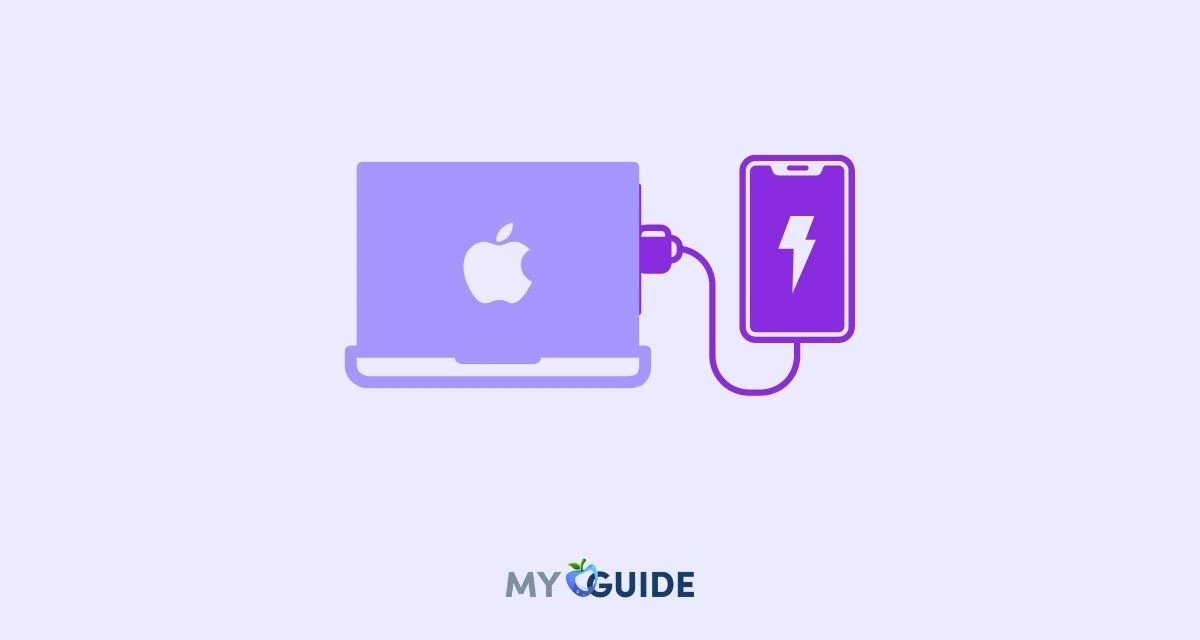
No, you can’t usefully charge a laptop with an iPhone. iPhone 15 and later can share power over USB-C, but Apple limits it to 4.5 watts for small devices like AirPods or an Apple Watch. A laptop needs far more than that, and when you plug an iPhone into a laptop, the laptop charges the iPhone, not the other way round.
Why an iPhone can’t charge a laptop
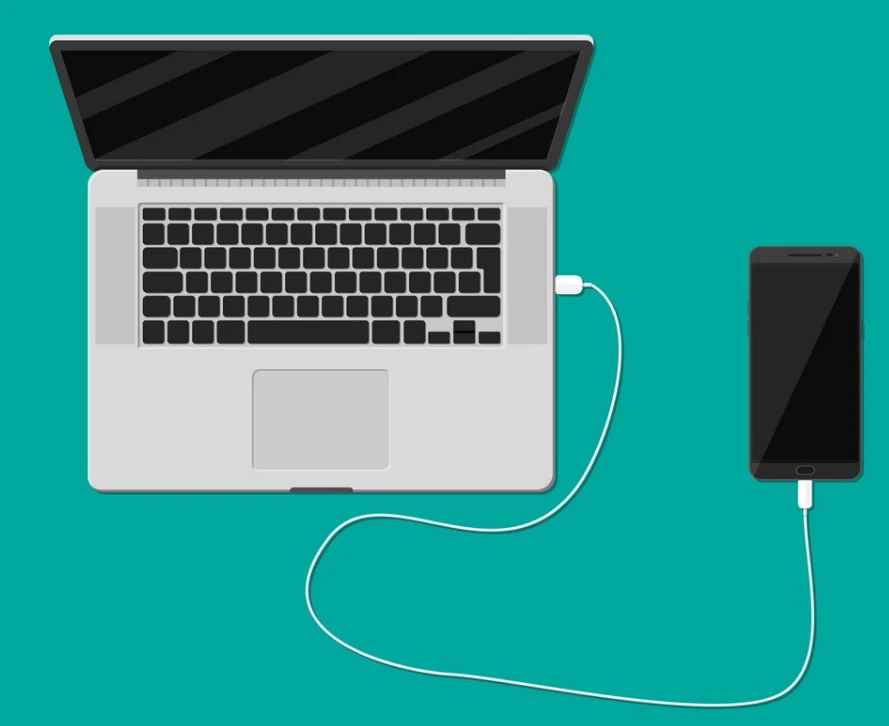
Three things stop it from working:
- Power limit. Apple’s USB-C support page says iPhone 15 and later can charge other devices that support USB Power Delivery at up to 4.5 watts. Laptop chargers are typically rated many times higher; check the watts printed on yours.
- Direction of charging. When you connect an iPhone to a Mac or PC with a USB-C cable, the computer powers the iPhone. There’s no setting on iPhone to reverse that for a laptop.
- Battery size. A laptop battery holds several times the energy of an iPhone battery, so even a perfect transfer would drain your phone and barely move the laptop’s percentage.
iPhone 14 and earlier models with Lightning can’t power other devices over the cable at all.
What an iPhone can charge
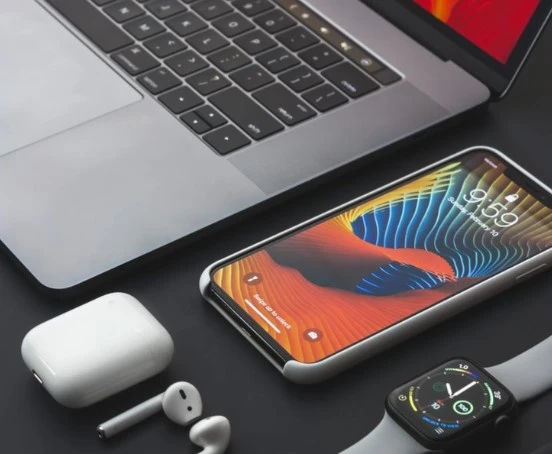
With iPhone 15 or later you can top up small accessories when you’re away from a charger:
- AirPods or other USB-C earbuds: connect them with the USB-C cable that came with your iPhone.
- Apple Watch: plug the Apple Watch Magnetic Fast Charger to USB-C Cable straight into the iPhone.
- Lightning accessories: use an Apple USB-C to Lightning cable.
Expect slow charging at 4.5 watts, and keep an eye on your iPhone’s own battery. Our guide to maintaining iPhone battery health explains how to make it last.
How to charge a laptop without its charger
If your laptop charger is lost or broken, these options actually work. MacBook Air from 2018 and MacBook Pro from 2016 onward charge over USB-C, and Apple’s power adapter guide says any USB-C adapter or display that supports USB Power Delivery will charge them, even one with lower wattage than the original.
- A USB-C power bank with USB Power Delivery. Pick one whose output in watts matches or comes close to your laptop charger’s rating. A lower-wattage bank may only slow the battery drain while you work.
- Another USB-C charger. A phone or tablet charger can charge a USB-C laptop slowly, especially while it’s asleep. A higher-wattage charger, like one from another laptop, is better.
- A USB-C car charger. In a car, a charger with a USB-C PD port can top up a laptop on the move.
- A replacement charger. Buy one from the laptop maker or a reputable brand. Cheap unbranded chargers can overheat and damage the battery.
To see how much power a charger is giving your Mac, hold Option and choose Apple menu > System Information, then select Power and look under AC Charger Information. On macOS Tahoe 26.4 or later, a “Slow Charger” label appears in the battery menu when the charger is too weak, as Apple’s charging guide explains.
Not sure which phone you have? Our full list of iPhone models shows which ones have USB-C, and our iPhone accessories guide covers chargers and power banks.
Frequently asked questions
Can an iPhone 15 charge a MacBook?
No. iPhone 15 and later can supply only up to 4.5 watts over USB-C, which Apple intends for small devices like AirPods and Apple Watch. When you connect the iPhone to a MacBook, the MacBook charges the iPhone.
Does the iPhone have reverse wireless charging?
Not for other devices in general. Apple doesn’t offer reverse wireless charging for accessories like AirPods. Wired charging of small devices over USB-C is supported on iPhone 15 and later.
Why does my iPhone charge when I plug it into my laptop?
The laptop’s USB-C or USB-A port supplies power to connected devices, so the iPhone draws power from it. That’s normal, and you can sync or transfer files at the same time.
Can I use my iPhone charger to charge my laptop?
Sometimes. If your laptop charges over USB-C, an iPhone USB-C power adapter can charge it slowly, but a 20-watt adapter usually won’t keep up while the laptop is busy. Use the laptop’s own charger when you can.
Is it safe to charge a laptop from a phone?
Trying it won’t usually cause damage, because USB Power Delivery negotiates what each device can safely supply. It just won’t do much. The bigger risk is cheap, uncertified cables and chargers, so stick to reputable ones.
What to do instead
Don’t count on your iPhone to rescue a flat laptop. If you’re often caught without power, carry a USB-C power bank that matches your laptop’s wattage, and use your iPhone’s USB-C port for AirPods and your Apple Watch. To check how much charge your phone has left before you share it, turn on the iPhone battery percentage.